English
 Español
 Français
 Deutsch
 العربية
 Português
 Italiano
 Polski
When you buy Windows 11, you choose between Home and Pro. They look almost identical — so is Pro worth it, or is Home enough for you?
This guide breaks down Windows 11 Home vs Pro feature by feature, so you know exactly which one to buy — and how to get a genuine key cheap either way.
⭐ Key Takeaways
- Home covers everyday use: browsing, streaming, Office, gaming.
- Pro adds BitLocker, Remote Desktop, Hyper-V and domain join.
- Both cost about $14.99 at SoftKeys — so Pro is usually the better value.
- Business users and power users should choose Pro.
- A genuine key is delivered instantly and activates through Microsoft.
Home vs Pro: The Real Differences
Both editions share the same interface, apps, and gaming performance. Pro simply unlocks extra security and management features aimed at professionals and businesses:
- BitLocker drive encryption.
- Remote Desktop (host) to connect to your PC remotely.
- Hyper-V virtual machines.
- Domain join & Group Policy for business networks.
Feature Comparison
| Feature | Home | Pro |
|---|---|---|
| Everyday apps & gaming | Yes | Yes |
| BitLocker encryption | No | Yes |
| Remote Desktop (host) | No | Yes |
| Hyper-V | No | Yes |
| Domain join / Group Policy | No | Yes |
| From (SoftKeys) | $14.99 | $14.99 |
Which Should You Buy?
- Choose Home if you only browse, stream, use Office, and game.
- Choose Pro if you want encryption, remote access, virtualization, or use a work network.
- Since both cost about the same at SoftKeys, most people choose Pro for the extra features.
How to Activate
Enter your key under Settings → System → Activation. For full steps, see our activation guide.
🔐 Genuine Windows Licenses
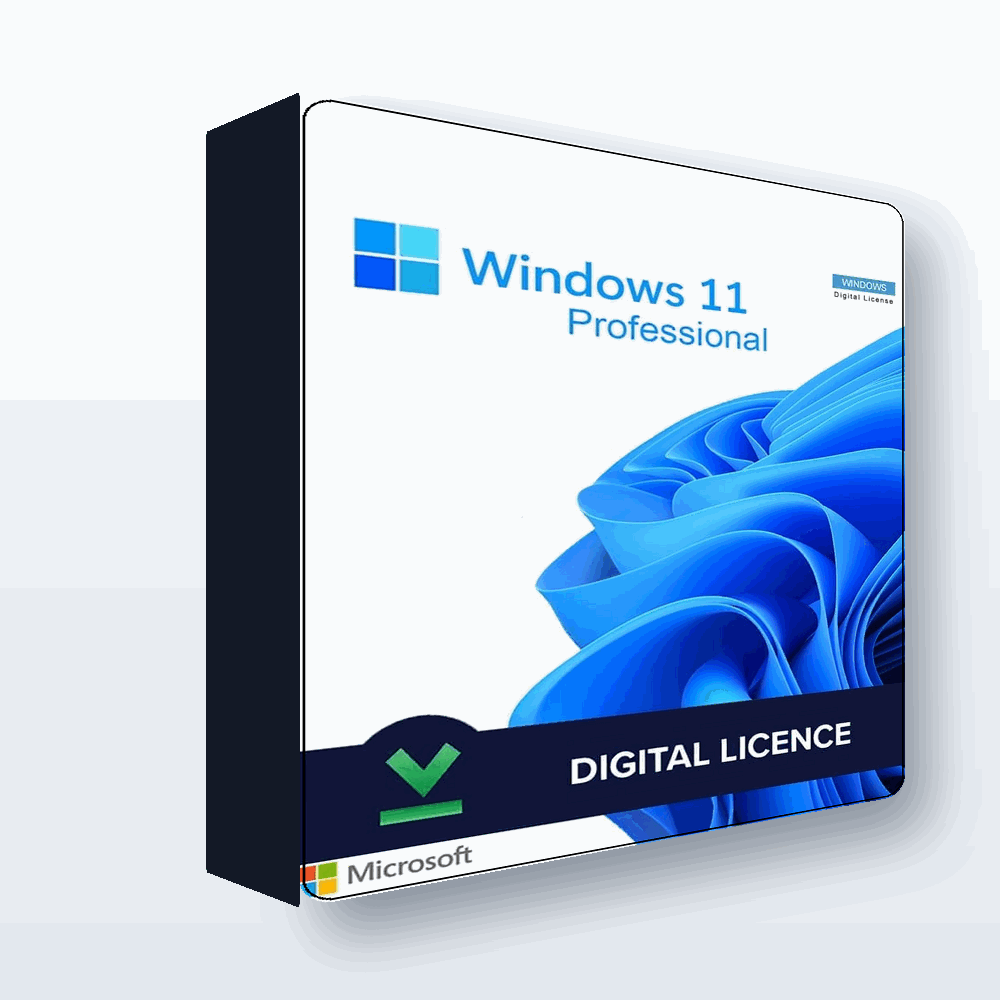
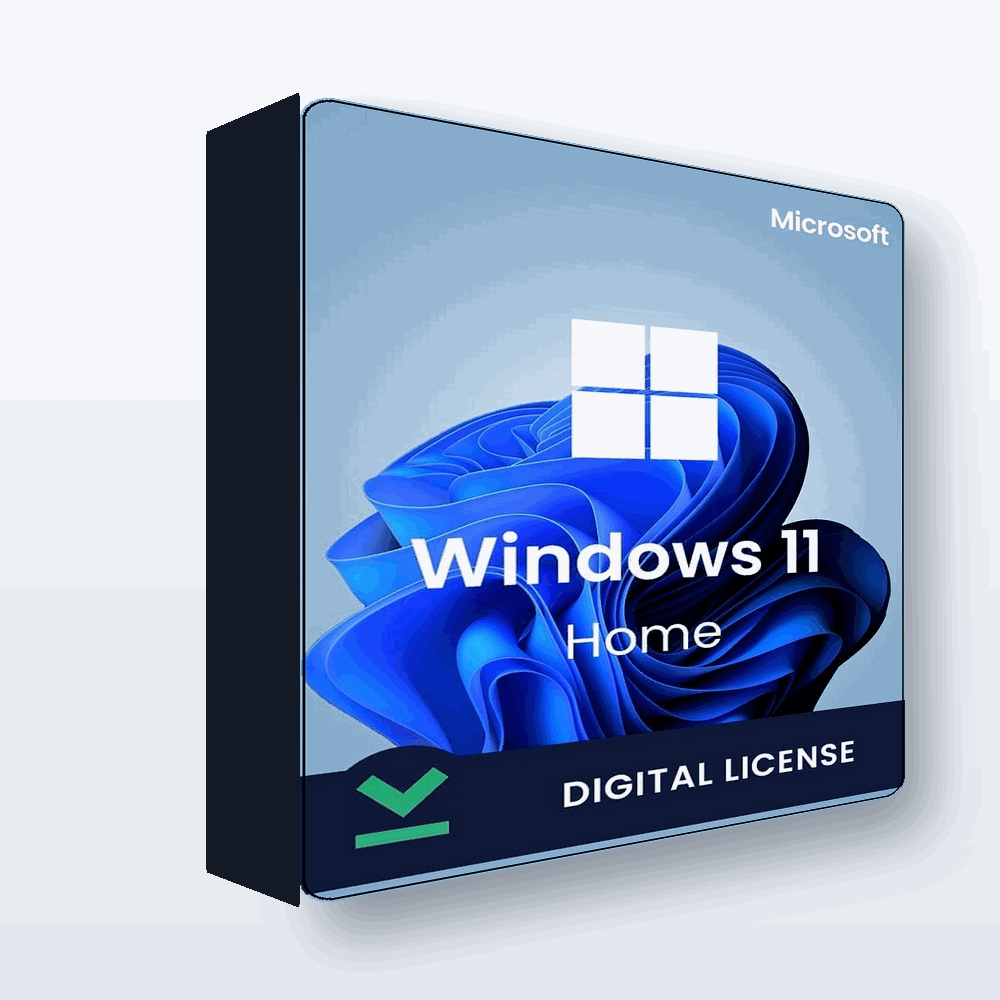

Windows 11 Home & Pro from $14.99
Genuine keys, instant delivery, activated through Microsoft.
Frequently Asked Questions
Is Windows 11 Pro worth it over Home?
If you want BitLocker encryption, Remote Desktop, Hyper-V, or to join a work domain, yes. Since both cost about the same at SoftKeys, many buyers choose Pro.
What does Pro have that Home does not?
BitLocker, Remote Desktop (host), Hyper-V, and domain join with Group Policy.
Is Home enough for everyday use?
Yes. For browsing, streaming, Office and gaming, Windows 11 Home is perfectly fine.
How much do they cost?
Genuine keys for both start around $14.99 at SoftKeys.
Can I upgrade from Home to Pro later?
Yes, by purchasing a Pro key and changing the product key in Settings.
Are the keys genuine?
Yes. They activate genuine Windows through Microsoft with full features.
Final Thoughts
For everyday users, Windows 11 Home is enough — but because Pro costs about the same at SoftKeys and adds valuable security features, Pro is usually the smarter buy.
Get a genuine Windows license at SoftKeys.