English
 Español
 Français
 Deutsch
 العربية
 Português
 Italiano
 Polski
“Office LTSC” is the version most people have never heard of — and then can’t un-see once they understand it. It sits next to the familiar Office 2021 and the subscription-based Microsoft 365, and choosing between the three comes down to how you actually work and how you want to pay.
This guide breaks down what LTSC really is, how it differs from a normal Office 2021 retail license and from Microsoft 365, and which one costs the least to own.
⭐ Key Takeaways
- Office 2021 and Office LTSC are both perpetual — buy once, own forever.
- Microsoft 365 is a subscription: always updated, cloud-connected, billed yearly.
- LTSC = Long-Term Servicing Channel: a frozen, stability-first build for business/offline PCs.
- LTSC is sold with volume (MAK) keys — ideal for one PC or fifty.
- For a single home user who wants to own Office, 2021 is the simplest choice.
What is Office LTSC? •
LTSC vs 2021 vs 365 •
Which should you buy? •
Preços & versions •
Perguntas Frequentes
What is Office LTSC?
LTSC stands for Long-Term Servicing Channel. It’s a perpetual version of Office built for machines that need to stay exactly the same for years — no feature updates, no cloud dependency, no surprises. Think point-of-sale systems, lab computers, regulated environments, or anyone who simply wants Office to stop changing under them.
Functionally it’s the same Word, Excel, PowerPoint and Outlook you know. The difference is the servicing model: LTSC receives security fixes but not the rolling feature changes that Microsoft 365 gets. It’s licensed through volume (MAK) keys, which is why you’ll see it sold for 1 PC all the way up to 50 or 500 PCs.
LTSC vs Office 2021 vs Microsoft 365
| Office LTSC | Office 2021 | Microsoft 365 | |
|---|---|---|---|
| License | Perpetual (own it) | Perpetual (own it) | Subscription |
| Payment | One-time | One-time | Yearly |
| Updates | Security only | Security only | New features always |
| Cloud/OneDrive | Optional | Optional | Built-in (1 TB) |
| Best for | Business / offline PCs | Início & single PCs | Multi-device, cloud users |
The short version: LTSC and 2021 are the same “buy it once” idea, with LTSC aimed at controlled business deployments. Microsoft 365 is the rental model — more flexible, never-ending cost. For a deeper look at the subscription trade-off, see Office 2021 vs Microsoft 365.
Which should you buy?
Início user who wants to own Office: get Office 2021 (or 2024) Professional Plus. Simple, permanent, cheap.
Business, IT admin, or offline/locked-down machines: Office LTSC with a MAK key is built for you — and it scales from a single PC to hundreds.
You live in the cloud and switch devices: Microsoft 365 earns its subscription with OneDrive and cross-device installs. Our Microsoft 365 guide covers the cheapest ways in.
Preços & Versions
Genuine perpetual Office licenses (MAK / retail), delivered by email within minutes:
📦 Genuine Office Licenses
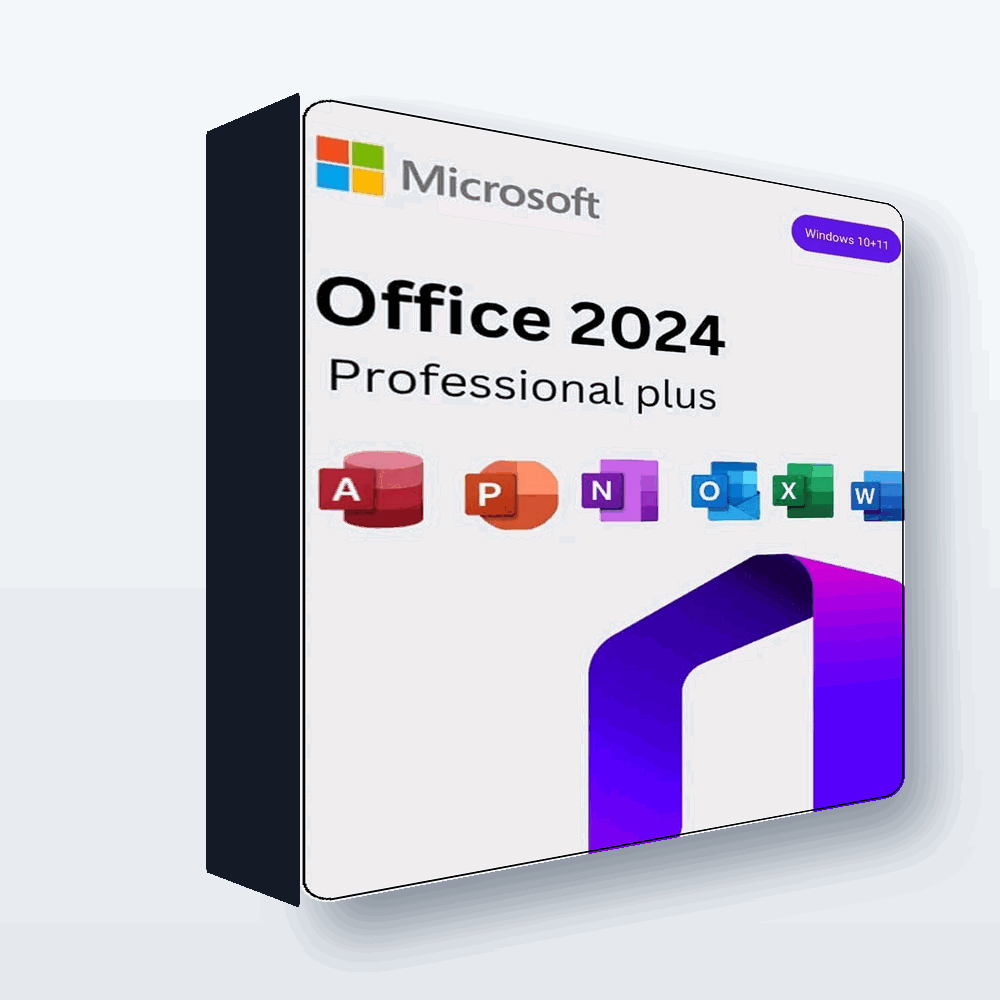
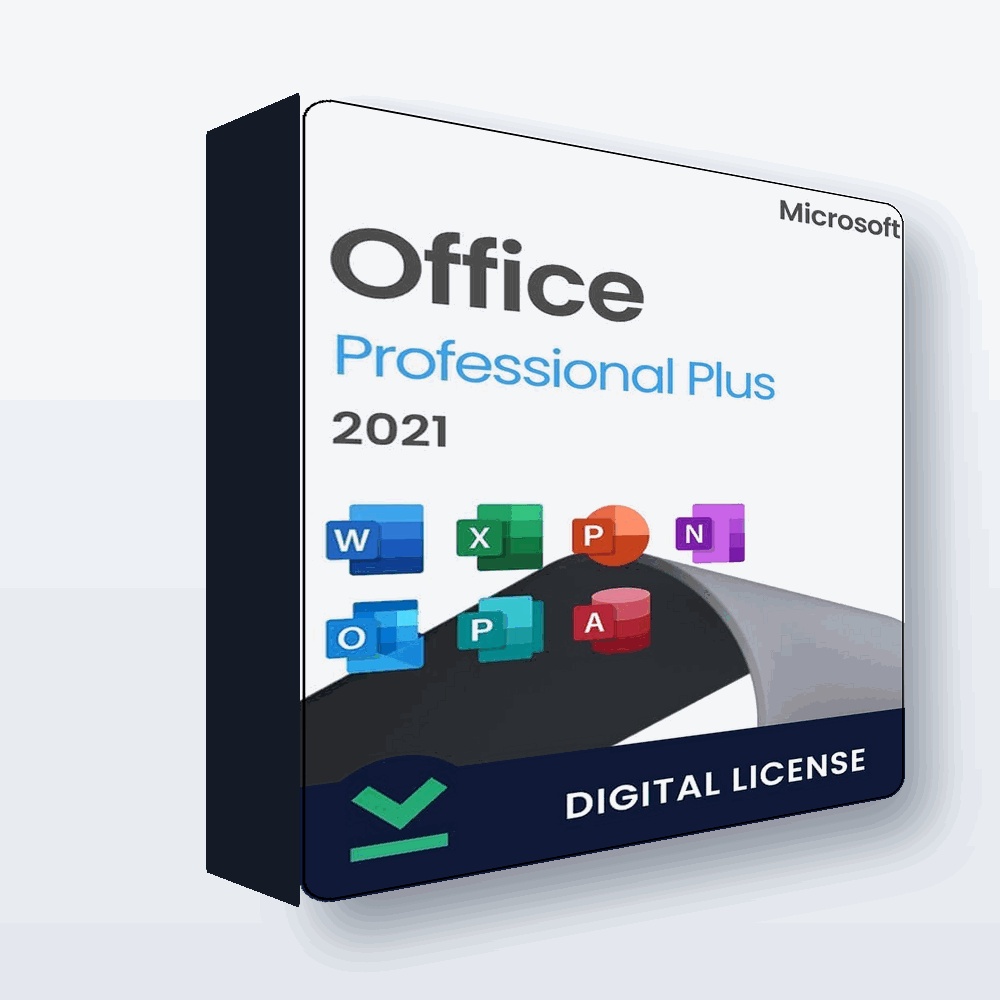
Own Office from $13.99 (No Subscription)
Genuine perpetual Office LTSC & retail keys, single PC to volume. Instant email delivery.
Frequently Asked Questions
Is Office LTSC genuine and legal?
Yes. LTSC is an official Microsoft product line, activated with genuine MAK volume keys. It’s the same Office apps with a stability-first update model.
What does MAK mean?
MAK = Multiple Activation Key, the volume-license key type used to activate one or many PCs. It’s why LTSC is sold in 1, 5, 50 and even 500-PC packs.
Is LTSC better than Office 2021?
They’re very similar — both perpetual. LTSC is aimed at business and offline machines that must not change; 2021 retail is the simpler pick for home users.
Will LTSC get new features?
No — that’s the point. It receives security updates but not the rolling feature changes Microsoft 365 gets, so your environment stays stable.
Can I put a 1-PC key on two computers?
No. Match the key to the number of PCs you need; buy a 5-PC or larger pack for multiple machines.
How do I activate it?
By email you’ll receive the key and steps. Some LTSC 2024 keys use phone activation, which is a quick guided process. See our activation guide.
Final Thoughts
Once you understand LTSC, the three-way choice is simple: rent with Microsoft 365 if you want the cloud and constant updates, or own with Office 2021 / LTSC if you’d rather pay once. For businesses and anyone who wants Office to just stay put, LTSC is the quietly perfect answer.
Compare every option and buy genuine at SoftKeys.