English
 Español
 Français
 Deutsch
 العربية
 Português
 Italiano
 Polski
Microsoft Project is the tool most people fall back on when a spreadsheet stops being enough — Gantt charts, task dependencies, resource levelling, the works. The problem has always been the price. Microsoft only sells Project Professional as a pricey one-off or a monthly Project Plan subscription, and for a program you might use on a handful of plans a year, that stings.
You don’t have to pay that. A genuine lifetime Project Professional key covers the same desktop app for a fraction of the cost. Here’s how the 2016, 2019, 2021 and 2024 releases differ, and which one is actually worth buying.
⭐ Key Takeaways
- All four releases share the same core: Gantt charts, dependencies, baselines and resource management.
- 2024 has the newest UI and features; 2021 is the best value; 2019/2016 are the cheapest.
- A genuine lifetime key means no recurring Project Plan subscription.
- Project Professional installs on Windows — there is no native Mac version.
- Buying a key is legal and legitimate; the trick is buying from a seller that delivers genuine licenses.
Which version to buy •
2016 vs 2019 vs 2021 vs 2024 •
Project on Mac? •
Prices & versions •
FAQ
Which version should you buy?
Here is the honest rule of thumb. If you want the latest interface and the newest scheduling and collaboration features, get Project 2024. If you want the best balance of modern features and price, Project 2021 is what we recommend to most buyers — it is stable, current enough, and cheap. If you only need to open, edit and share .mpp files without fuss, 2019 or 2016 will save you a few more dollars and still do everything a typical planner needs.
Whichever you choose, make sure it is a genuine license. A cheap key is fine; a fake one is not, and the difference is entirely about where you buy it.
2016 vs 2019 vs 2021 vs 2024
| Version | Best for | Notes |
|---|---|---|
| Project 2016 | Tightest budgets | Runs on Windows 10/11; core Gantt & scheduling |
| Project 2019 | Value + a few extras | Adds task-board views and better linking |
| Project 2021 | Most people | Modern UI, co-authoring-era features, great price |
| Project 2024 | Latest & greatest | Newest features and longest support runway |
Because they all read and write the same .mpp format, you can share plans with colleagues on other versions without converting anything. If your team standardises on one release, match it — otherwise 2021 is the safe default.
Can I run Microsoft Project on a Mac?
Not natively — Microsoft never shipped a Mac build of Project. Mac users typically run it inside a Windows virtual machine (Parallels or VMware Fusion) or on a Windows PC. If you live on macOS, factor that in before buying. For general Office-on-Mac needs, see our Office for Mac guide.
Prices & Versions
Genuine lifetime Project Professional keys, delivered by email within minutes:
📦 Genuine Microsoft Project Keys
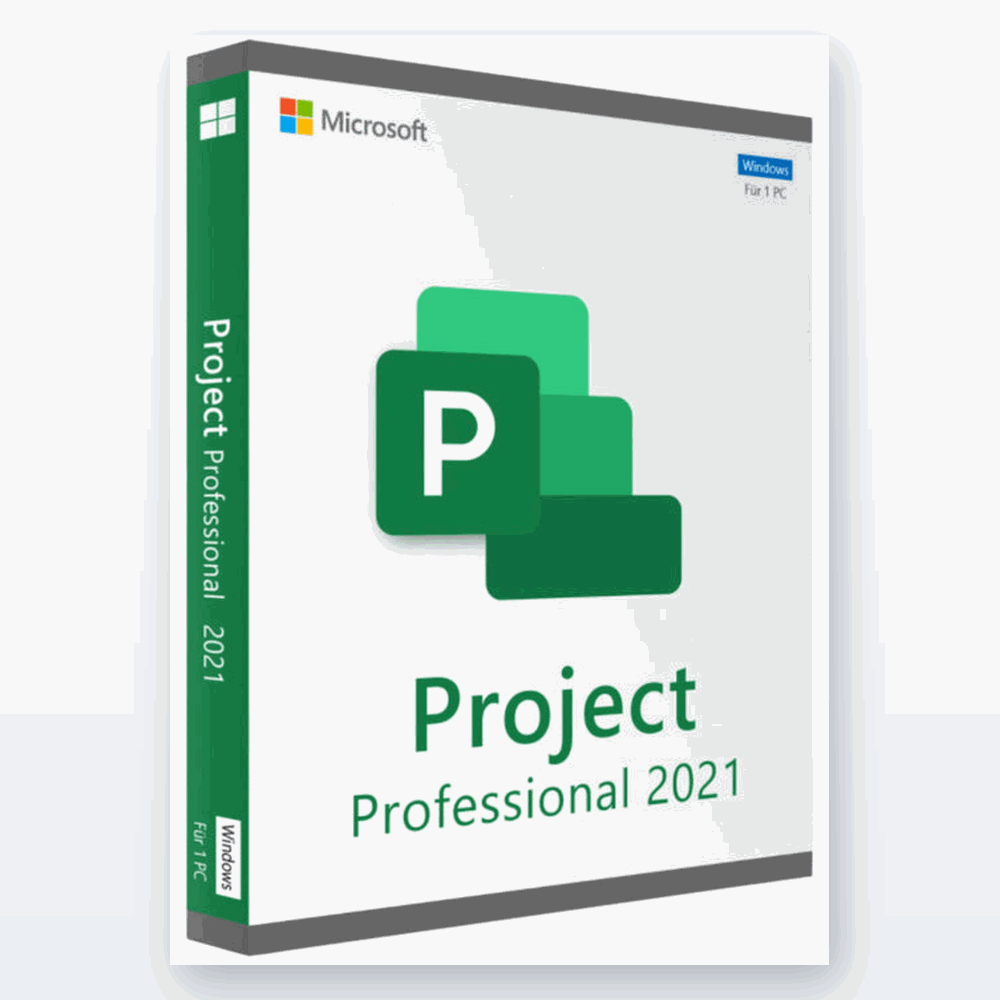
Microsoft Project from $9.99 (Lifetime)
Genuine Project Professional keys. One payment, no subscription, instant email delivery.
Frequently Asked Questions
Is a lifetime Project key genuine?
Yes — it activates the genuine Microsoft Project desktop app. “Lifetime” means you own that version outright, with no recurring Project Plan subscription.
What’s the difference between Project and Project Online?
Project (Professional) is the desktop app you install and own. Project Online / Project Plan is Microsoft’s subscription service billed monthly. For most individual planners, the desktop app is all you need.
Will 2021 open files made in 2024?
Yes. All modern Project versions use the .mpp format and are cross-compatible, so you can share plans between versions.
Can I install it on two PCs?
It depends on the key type — some listings are single-PC, others cover two. Check the product title (e.g. “2 PC”) before buying.
Does it work on Windows 11?
Yes, all four releases install and run on Windows 10 and Windows 11.
How do I receive my key?
By email within minutes of purchase, together with step-by-step activation instructions. See our activation guide.
Final Thoughts
Microsoft Project doesn’t need to be a subscription you resent every month. A genuine lifetime key gives you the same professional scheduling tool for the price of a takeaway meal — and 2021 hits the sweet spot of modern and affordable.
Browse genuine Microsoft licenses at SoftKeys.