English
 Español
 Français
 Deutsch
 العربية
 Português
 Italiano
 Polski
If you are shopping for QuickBooks in 2026, you have really only one big decision to make first: QuickBooks Desktop or QuickBooks Online? Intuit pushes almost everyone toward the online subscription — but that is not always the smarter choice for your business or your wallet.
This honest comparison breaks down the real differences between QuickBooks Desktop and QuickBooks Online in 2026: features, pricing over time, who each one is actually built for, and how to decide without overpaying for years.
⭐ Key Takeaways
- Online = monthly fee forever; Desktop = pay once and own it.
- Desktop has stronger inventory, job costing, and reporting for real businesses.
- Over 2–3 years, Desktop is usually far cheaper than an Online subscription.
- Online wins only if you truly need cloud access from anywhere with many remote users.
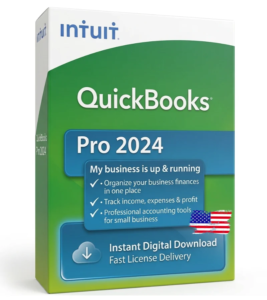
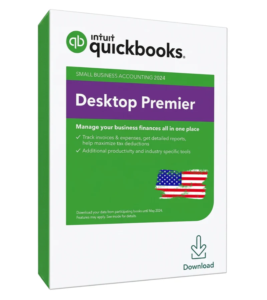
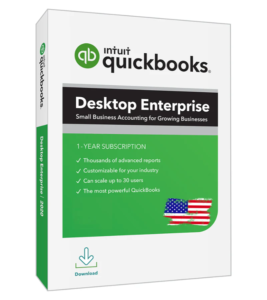
- You can still buy a genuine one-time Desktop license in 2026 — Pro, Premier, or Enterprise.
The real difference •
Side-by-side comparison •
Cost over time •
When Desktop wins •
When Online makes sense •
Which to buy •
FAQ
The Real Difference (In Plain English)
QuickBooks Online lives in your web browser. You log in, and Intuit charges you every single month — forever. Stop paying, and you lose access to your own accounting software.
QuickBooks Desktop is a real program you install on your Windows PC. You buy the license one time, it is yours, and your company file stays on your own computer. No monthly bill, no lock-in. New to this idea? Start with our guide on how to buy QuickBooks Desktop without a subscription.
QuickBooks Desktop vs Online: Side by Side
| Feature | QuickBooks Desktop | QuickBooks Online |
|---|---|---|
| Payment | One-time purchase | Monthly forever |
| Ownership | You own the license | Rented access |
| Where data lives | Your own computer | Intuit’s cloud |
| Inventory & job costing | Advanced | Basic |
| Reporting | Deep & customizable | Simpler |
| Access anywhere | On your PC (or hosted) | Any browser |
| Best for | Owners who want power & value | Fully remote teams |
The Part Intuit Doesn’t Advertise: Cost Over Time
This is where Desktop quietly wins. An Online subscription looks cheap per month — until you add up two or three years. A one-time Desktop license costs the same today and years from now.
| Time frame | Desktop (one-time) | Online (subscription) |
|---|---|---|
| Year 1 | ~$126–$246 once | Monthly fee × 12 |
| Year 2 | $0 more | Monthly fee × 12 again |
| Year 3 | $0 more | Monthly fee × 12 again |
When QuickBooks Desktop Is the Better Buy
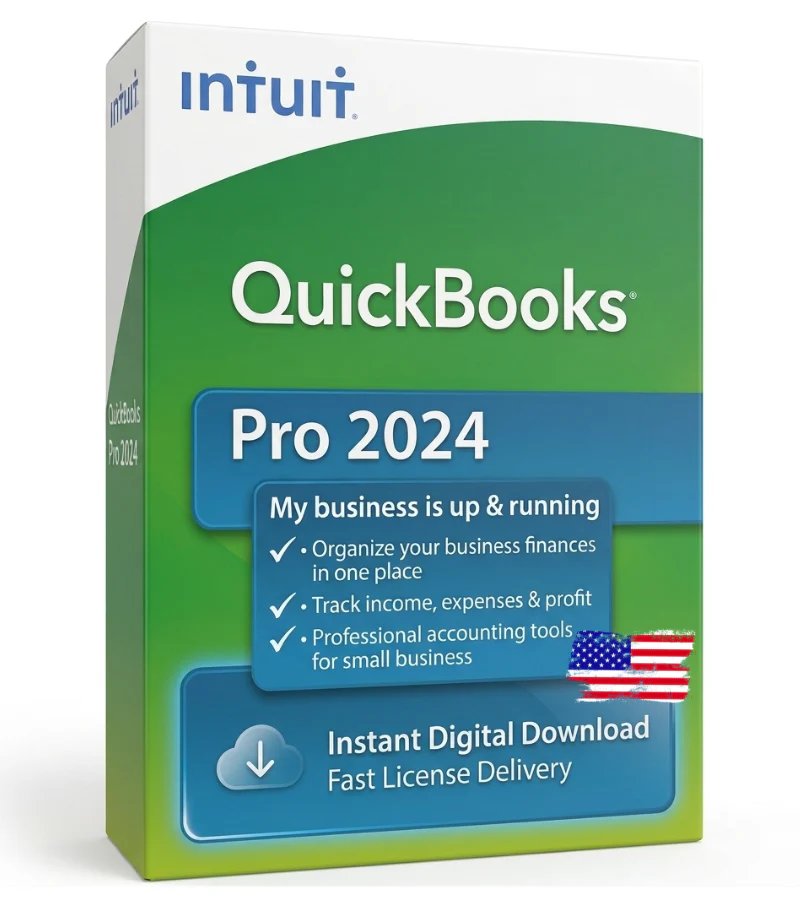
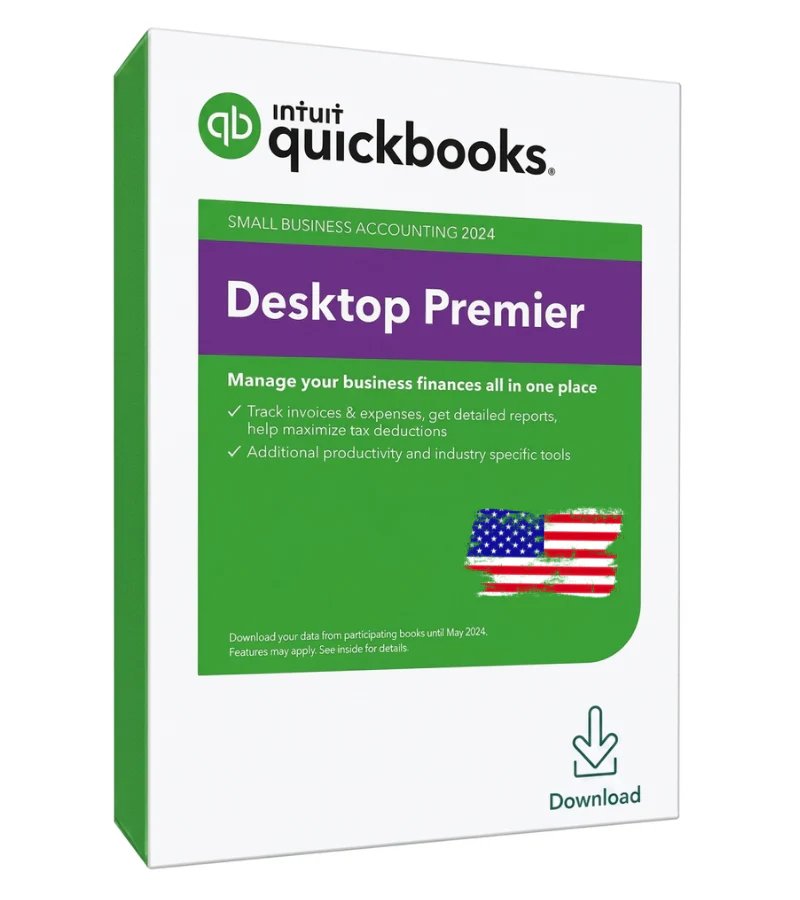
Choose Desktop if you want:
- To pay once and own your software with no monthly bill.
- Powerful inventory, job costing, and industry-specific reports.
- Your financial data kept on your own computer, not in someone else’s cloud.
- Fast performance with large company files.
Not sure which edition fits? Our Pro vs Premier vs Enterprise comparison breaks it down in minutes.
When QuickBooks Online Makes Sense
To be fair, Online is the right pick in a few cases. Choose it if:
- Your team is fully remote and needs to log in from anywhere, on any device.
- You have multiple people who must be in the books at the same time from different locations.
- You do not mind paying a monthly fee for that convenience.
For most single-location small businesses, though, that convenience is not worth an endless subscription.
So Which Should You Buy?
Own QuickBooks Instead of Renting It 🔑
Genuine one-time Desktop licenses — Pro, Premier & Enterprise. No subscription. Instant email delivery.
Frequently Asked Questions
Is QuickBooks Desktop still available in 2026?
Yes. Genuine QuickBooks Desktop licenses (Pro, Premier, and Enterprise) are still available as a one-time purchase, delivered by email.
Is Desktop cheaper than Online?
Over time, yes. Desktop is a single one-time cost, while Online charges every month forever. By the second year most businesses have already spent more on Online.
Can I move from QuickBooks Online to Desktop?
Yes. You can export your data and move to a Desktop license if you would rather own your software and stop paying monthly.
Does Desktop need the internet?
No. QuickBooks Desktop runs locally on your PC and works offline. You only need the internet for updates or optional add-ons.
Which has better inventory and reporting?
QuickBooks Desktop. It offers more advanced inventory, job costing, and customizable reports than QuickBooks Online.
Is a one-time Desktop license genuine?
When bought from a trusted reseller, yes. You receive a genuine license key and the official installer — not a pirated or fake key.
Final Thoughts
QuickBooks Online is convenient, but you rent it forever. QuickBooks Desktop is more powerful, keeps your data on your own machine, and — for most small businesses — costs far less over time because you pay only once. If you want to own your accounting software instead of renting it, Desktop is the smarter buy in 2026.
Browse genuine one-time licenses at getqblicense.com, or contact our team if you need help choosing the right edition.