English
 Español
 Français
 Deutsch
 العربية
 Português
 Italiano
 Polski
You have decided to buy QuickBooks Desktop — smart move. But now you face the next question: Pro, Premier, or Enterprise? Pick the wrong one and you either overpay for features you will never touch, or hit a wall when your business grows.
This guide breaks down all three 2026 editions in plain English — who each one is for, what you actually get, what it costs, and a simple decision framework so you buy the right license the first time.
⭐ Key Takeaways
- Pro = the essentials for up to 3 users. Most small businesses never need more.
- Premier = Pro + industry editions, forecasting, and up to 5 users.
- Enterprise = up to 30 users, advanced inventory, and 200+ reports.
- All three are a one-time purchase — no subscription — and come in U.S. and Canada editions.
- When in doubt, start with Pro. You can move up later as you grow.
The 3 editions at a glance •
QuickBooks Pro •
QuickBooks Premier •
QuickBooks Enterprise •
Full comparison •
How to choose •
FAQ
The Three Editions at a Glance
QuickBooks Desktop comes in three flavors. They share the same core accounting engine — invoicing, expenses, bank reconciliation, reports — but each step up adds capacity and power.
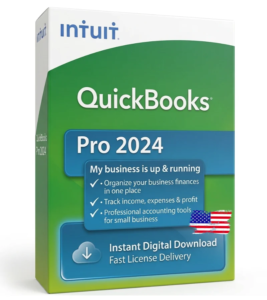
QuickBooks Desktop Pro — The Essentials
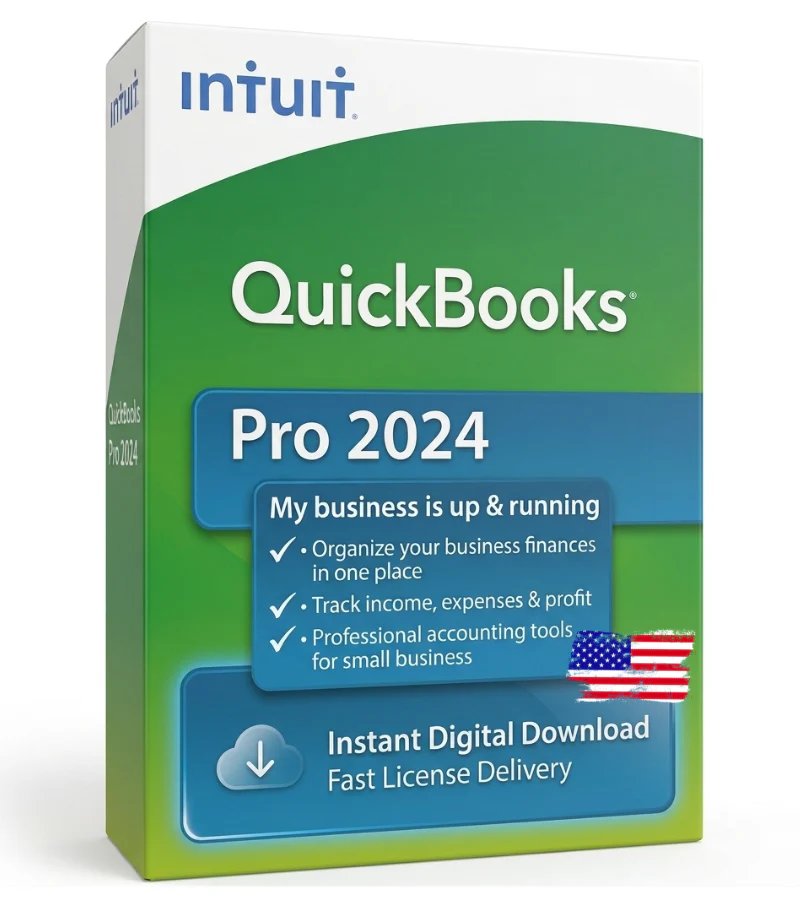
Pro is the entry point, and for a huge share of small businesses it is genuinely all they will ever need.
- Track income and expenses, and reconcile your bank accounts.
- Create and send professional invoices, and manage bills and vendors.
- Run the standard financial reports — profit & loss, balance sheet, cash flow.
- Supports up to 3 simultaneous users.
Best for: freelancers, contractors, and small businesses that need reliable, no-nonsense accounting at the lowest price. If that is you, grab QuickBooks Pro and skip the rest.
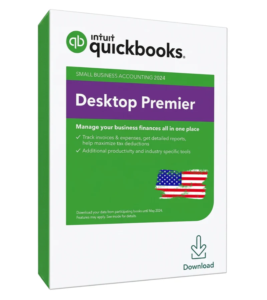
QuickBooks Desktop Premier — Industry Power
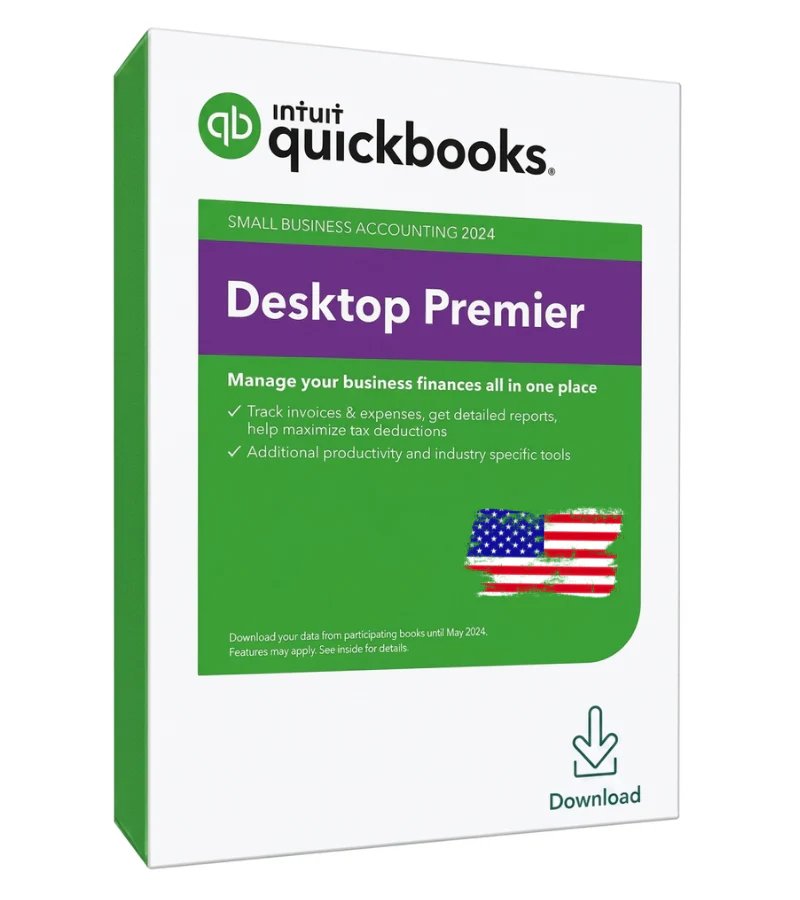
Premier includes everything in Pro, then adds tools built for specific industries and for planning ahead.
- Industry-specific editions — Contractor, Manufacturing & Wholesale, Retail, Nonprofit, and Professional Services.
- Forecasting and business-plan tools to project cash flow and growth.
- 150+ industry-specific reports beyond the standard set.
- Supports up to 5 simultaneous users.
Best for: growing businesses that want reporting tailored to their industry, or that need a couple more user seats than Pro allows.
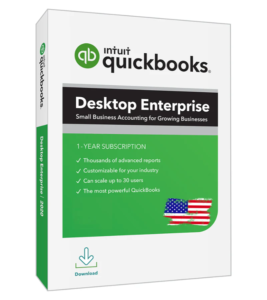
QuickBooks Desktop Enterprise — Maximum Capacity
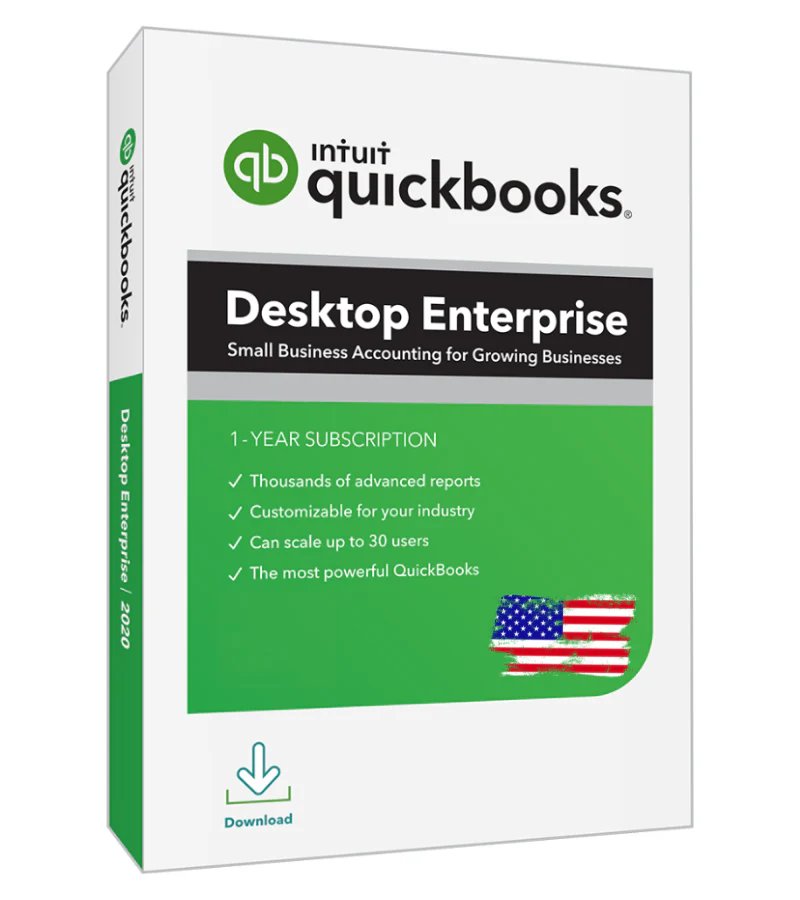
Enterprise is the most powerful Desktop edition, designed for larger operations that have outgrown basic accounting — without moving to an expensive cloud plan.
- Supports up to 30 simultaneous users with role-based permissions.
- Advanced Inventory — multiple warehouses, barcode scanning, FIFO costing, and bin/lot tracking.
- Advanced Pricing rules and 200+ customizable reports.
- Handles thousands of customers, vendors, and inventory items with ease.
Best for: wholesale, manufacturing, retail chains, and larger teams. Explore Enterprise if inventory and multi-user access are central to your business.
Full Side-by-Side Comparison
| Feature | Pro | Premier | Enterprise |
|---|---|---|---|
| Simultaneous users | Up to 3 | Up to 5 | Up to 30 |
| Core accounting & invoicing | Yes | Yes | Yes |
| Industry-specific reports | – | Yes | Yes |
| Forecasting & business plans | – | Yes | Yes |
| Advanced Inventory | – | – | Yes |
| Custom report templates | Basic | 150+ | 200+ |
| Role-based permissions | – | – | Yes |
| One-time price | from $156 | from $196 | from $246 |
How to Choose — A Simple Framework
Forget the marketing. Answer these questions and the right edition becomes obvious:
1–3 → Pro • 4–5 → Premier • 6–30 → Enterprise
Yes → Enterprise • No → Pro or Premier
Yes → Premier (or Enterprise) • No → Pro
Still unsure? Start with Pro. It covers the fundamentals, costs the least, and you can always upgrade to a higher edition as your business grows — just reach out to our team and we will help.
U.S. vs Canada Editions
Each edition comes in a U.S. version and a CRA-compliant Canada version that handles GST, HST, and QST. Always match the edition to your country. You can confirm Canadian tax requirements on the Canada Revenue Agency site, and read general product background on the QuickBooks Wikipedia page.
Found Your Edition? Get a Genuine License
Pro, Premier & Enterprise for U.S. & Canada. One-time purchase. Instant email delivery.
Frequently Asked Questions
What is the difference between QuickBooks Pro, Premier, and Enterprise?
Pro supports up to 3 users with core accounting. Premier adds industry-specific reports, forecasting, and up to 5 users. Enterprise scales to 30 users and adds advanced inventory and 200+ reports.
Which QuickBooks Desktop edition is best for a small business?
For most small businesses, QuickBooks Pro is the best value — it covers invoicing, expenses, and standard reports for up to 3 users at the lowest price.
Do I need Enterprise for inventory?
If you manage multiple warehouses, use barcode scanning, or need FIFO costing, then yes — Advanced Inventory is exclusive to Enterprise. Simple inventory can be handled in Pro or Premier.
Can I upgrade from Pro to Premier or Enterprise later?
Yes. You can move up to a higher edition as your business grows. Contact our support team and we will help you upgrade.
How much do QuickBooks Desktop editions cost?
As a one-time purchase, Pro starts around $156, Premier around $196, and Enterprise around $246, for both U.S. and Canadian editions.
Are all editions available for Canada?
Yes. Pro, Premier, and Enterprise all have CRA-compliant Canadian editions with GST, HST, and QST support.
Final Thoughts
The “best” QuickBooks Desktop edition is simply the one that matches your team size and your inventory and reporting needs. Most businesses are perfectly served by Pro; Premier and Enterprise exist for those who genuinely need the extra power. Match the edition to your reality, buy a genuine one-time license, and you will have the right tool for years — with no monthly bill.
Compare live prices for all editions at getqblicense.com.