English
 Español
 Français
 Deutsch
 العربية
 Português
 Italiano
 Polski
Microsoft 365 is brilliant — the full Office apps, a terabyte of OneDrive storage, and it’s always up to date. What’s less brilliant is paying the standard subscription year after year when there are far cheaper ways to get the exact same thing.
The confusing part is the lineup: Personal, Family, Business Standard… they sound similar but the price-per-person varies wildly. I’ll walk you through which plan actually fits your situation, and how to get a genuine subscription for well under Microsoft’s asking price.
⭐ Key Takeaways
- 365 Family covers up to 6 people — by far the best value per person.
- 365 Personal is ideal for a single user across their devices.
- Business Standard adds Teams, Exchange email, and business apps.
- All plans include the full desktop Office apps + 1TB OneDrive per user.
- Genuine subscriptions start at $28.99 — a fraction of the direct price.
Personal vs Family vs Business •
Which is right for you •
365 or a one-time Office? •
Perguntas Frequentes
Personal vs Family vs Business
All three give you the real, installable Office apps — Word, Excel, PowerPoint, Outlook — plus 1TB of cloud storage. The difference is how many people they cover and whether you get business features.
| Plan | People | Best for | From (SoftKeys) |
|---|---|---|---|
| 365 Personal | 1 | Solo users | $79.99 |
| 365 Family | Up to 6 | Households & sharing | $28.99 |
| Business Standard | 1 (business) | Teams + business email | $161.99 |
Here’s the counter-intuitive bit: Family is often cheaper than Personal at SoftKeys and covers six people instead of one. Unless you specifically need a single-user business license, Family is the smart buy even for one person.
Which One Should You Actually Get?
- Get 365 Family if there’s more than one person in your home, or you just want the best price. Each person gets their own 1TB and their own login.
- Get 365 Personal if you want a clean single-user subscription tied to just your account.
- Get Business Standard if you run a business and need Microsoft Teams, a professional Outlook/Exchange mailbox, and business-grade apps.
Should You Get 365 or a One-Time Office Instead?
If you don’t care about cloud storage and just want Office to own, a one-time purchase like Office 2021 or 2024 might suit you better — you pay once and it’s yours. We compare the two approaches directly in Office 2021 vs Microsoft 365, and if you want the newest one-time release, see our Office 2024 guide. For most people who want the latest apps plus storage, though, 365 is the sweet spot.
💼 Genuine Microsoft 365
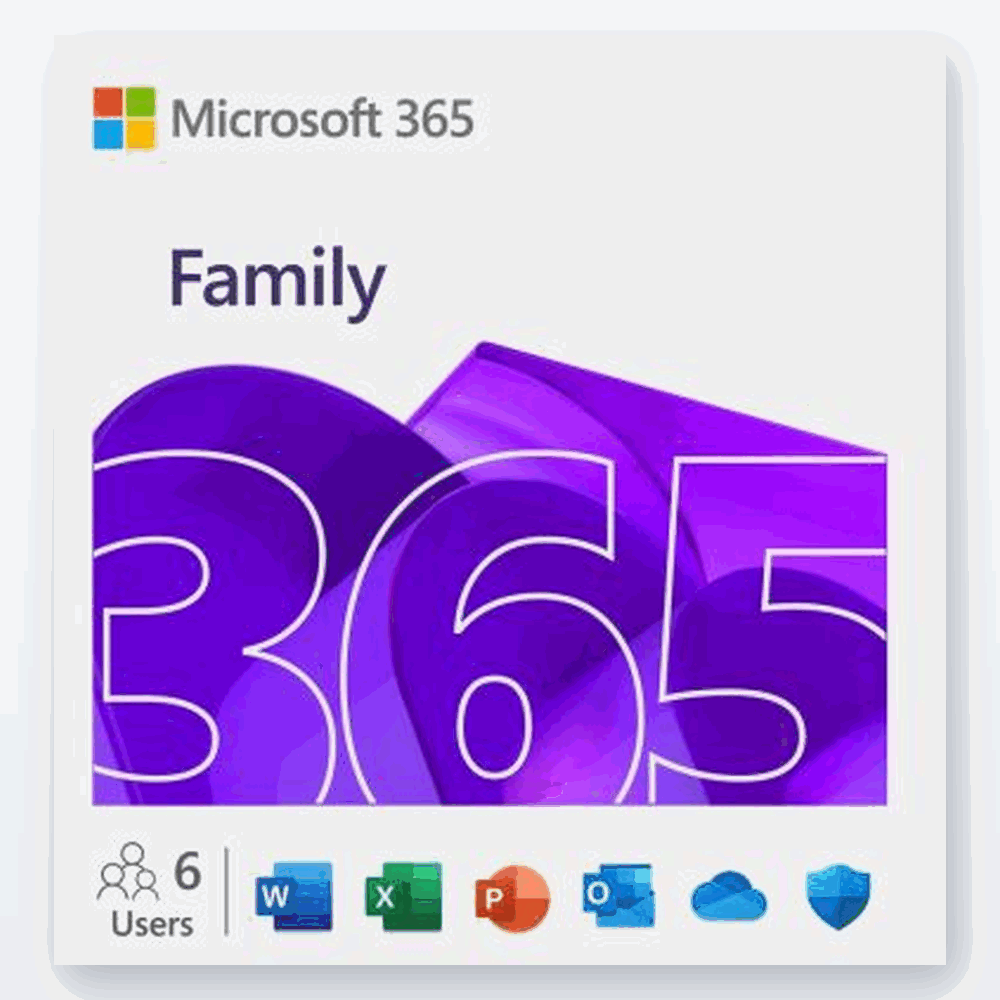
Microsoft 365 from $28.99
Full Office apps + 1TB storage per user. Genuine subscription, instant delivery.
Frequently Asked Questions
Is Microsoft 365 Family really cheaper than Personal?
At SoftKeys, yes — Family often costs less while covering up to 6 people, making it the best value even for a single user.
Do I get the full Office apps with 365?
Yes. Every plan includes the installable desktop versions of Word, Excel, PowerPoint, and Outlook, plus 1TB of OneDrive storage.
What’s the difference between 365 and Office 2021?
365 is a subscription that stays up to date and includes cloud storage; Office 2021/2024 is a one-time purchase you own but that doesn’t auto-upgrade to the next version.
Can I use 365 on both Windows and Mac?
Yes, Microsoft 365 works on Windows, Mac, and mobile. If you’re Mac-focused, see our Office for Mac guide.
Is a cheaper 365 subscription genuine?
Yes, when bought from a trusted store. It activates the genuine Microsoft 365 service on your account.
How is it delivered?
By email within minutes, with setup instructions for activating on your Microsoft account.
Final Thoughts
Microsoft 365 doesn’t have to be a recurring dent in your budget. For most households, Family is the clear winner — six people, six terabytes of combined storage, and a price that undercuts a single Personal plan bought direct. Match the plan to how many people you’re covering, buy from a store that guarantees it, and you’re set.
Compare genuine 365 plans at SoftKeys.