For a small business, accounting software is not a luxury — it is the difference between clean books and tax-season chaos. And in 2026, many small business owners are asking the same thing: is QuickBooks Desktop still the right choice, and which version should a small business actually buy?
This guide is written specifically for small businesses. It covers why Desktop still makes sense, which edition fits a small team, what it costs, and how to get set up — without paying for features (or subscriptions) you do not need.
⭐ Key Takeaways
- QuickBooks Desktop Pro fits most small businesses (up to 3 users).
- It is a one-time purchase — no monthly fee eating your margins.
- Your financial data stays on your own computer.
- Upgrade to Premier if you need industry reports or 5 users.
- Genuine licenses start around $146, delivered by email.
Why Desktop for small business •
Which edition •
Features that matter •
What it costs •
How to get started •
FAQ
Why QuickBooks Desktop Suits Small Businesses
Small margins mean every recurring cost counts. A subscription that renews every month forever quietly eats into profit, while a one-time Desktop license is a single, predictable expense. Desktop also keeps your books on your own computer and delivers powerful reporting — ideal for an owner who wants control. If you are weighing the cloud, our Desktop vs Online comparison lays it out.
Which Edition Should a Small Business Buy?
See the full Pro vs Premier vs Enterprise comparison.
Features That Matter for Small Business
- Professional invoicing and payment tracking.
- Expense and bill management.
- Bank reconciliation to keep books accurate.
- Clear financial reports for decisions and tax time.
What Does It Cost a Small Business?
| Edition | Best for | One-time price |
|---|---|---|
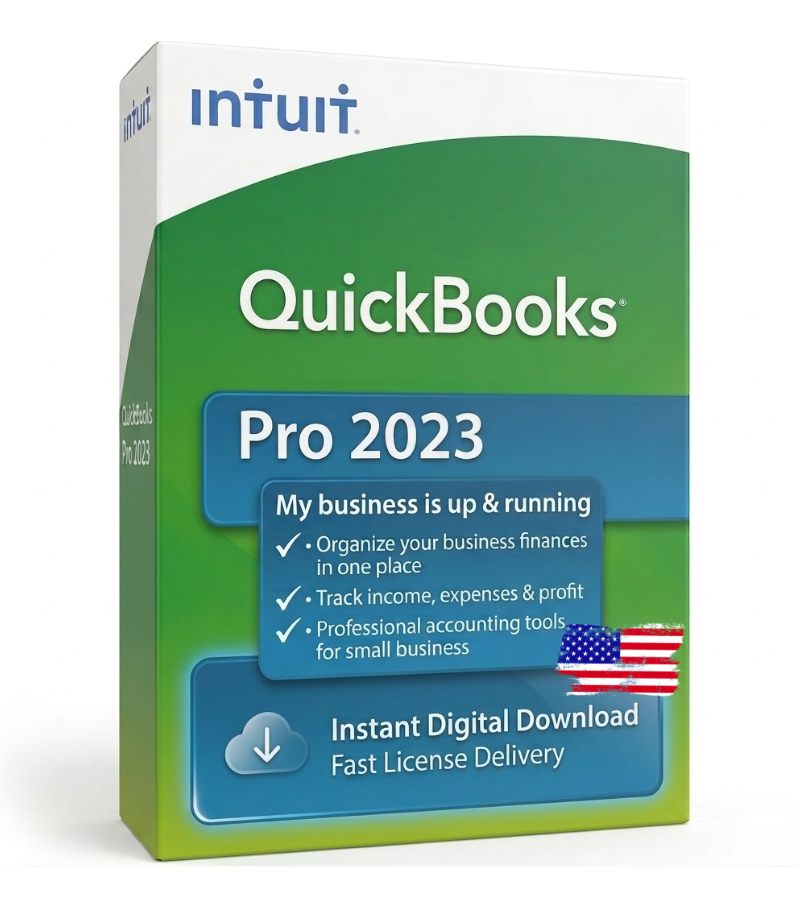
| Pro 2023 | Budget small business | from $146 |
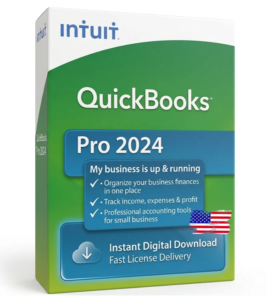
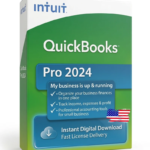
| Pro 2024 | Standard small business | from $156 |
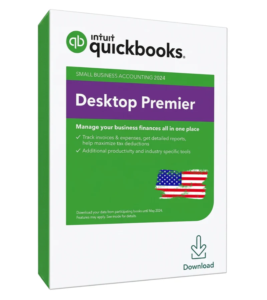
| Premier 2024 | Reports / up to 5 users | from $196 |
For every edition and year, see the full price guide.
How to Get Started
- 1. Choose Pro or Premier and check out.
- 2. Get your genuine license and installer by email.
- 3. Install, activate, and set up your company file.
- 4. Start invoicing and tracking expenses the same day.
Run Your Small Business on Software You Own 🏪
Genuine QuickBooks Desktop Pro from $146. One-time purchase. Instant email delivery.
Frequently Asked Questions
Which QuickBooks is best for a small business?
For most small businesses, QuickBooks Desktop Pro is the best fit — it covers invoicing, expenses, and reports for up to 3 users as a one-time purchase.
Is QuickBooks Desktop good for a small business in 2026?
Yes. It offers powerful accounting without a monthly subscription, and keeps your data on your own computer.
How much does it cost a small business?
A genuine one-time Pro license starts around $146. Premier is about $196 if you need more users or industry reports.
Do I need Premier or is Pro enough?
Pro is enough for most small businesses. Choose Premier if you need up to 5 users or industry-specific reports.
Can I use it offline?
Yes. QuickBooks Desktop runs locally on your PC and works without an internet connection.
Is it a subscription?
No. A one-time license has no recurring fee — you pay once and own it.
Final Thoughts
For a small business in 2026, QuickBooks Desktop Pro delivers everything you need — professional invoicing, expense tracking, and solid reporting — as a one-time purchase that protects your margins. Buy a genuine license, install it, and keep your books clean without a monthly bill.
Browse genuine small-business licenses at getqblicense.com, or contact our team for help choosing.